
What Is Card Testing Fraud and How to Prevent It
Card testing fraud occurs when criminals usually use bots to run stolen or guessed card details through your checkout to find which cards still work. Some people call it carding, while card networks often call it enumeration. Most attempts are zero-dollar authorizations, so they often go unnoticed.
It all happens in card-not-present settings, affecting online stores and subscription businesses. The fraudster walks away with a short list of live cards. You get a flood of failed attempts and authorization fees. A spike in declines often follows, sometimes with a few chargebacks trailing behind.
The fix comes down to one idea: make your checkout harder for bots to attack without making it harder for real customers to use.
How a Card Testing Attack Works
The person behind the attack usually doesn't want anything you sell. Your checkout is just a handy place to ask a bank, "Is this card still good?" Bots have made it faster and larger in scale, a shift we cover in our post on AI-driven card testing.
So, what does a card testing attack look like? Most attacks follow the same steps:
The criminal gets card data. Some buy stolen card lists from data breaches. Others generate numbers that follow the same math as real card numbers.
A bot submits attempts. The script fires card details at your checkout or donation form. Pages where customers save a card get hit too.
The charges stay small. A $0 or $1 authorization barely registers with the cardholder and costs the attacker almost nothing.
Approved cards get sorted out. Any card that clears is marked valid. The criminal resells it or uses it for bigger fraud elsewhere.
A BIN attack works a little differently. The BIN (bank identification number) is the first 6 to 8 digits of a card and tells you which bank issued it. An attacker who knows a BIN only has to guess the remaining digits, so they can make attempts within the same number range.
The bot uses your checkout exactly as it was built to work. Your business becomes the testing ground. The cardholder and the issuing bank are the real victims of the stolen data, but your business deals with the fallout.
Signs of Card Testing on Your Checkout
Card testing often leaves traces. Here's what to watch for:
Warning sign | What it usually looks like |
Burst of tiny attempts | Hundreds of $0 to $1 authorizations in a short window |
Increased decline rate | Failed security-code checks paired with address mismatches |
Clustered sources | Many attempts from one IP or device, or many IPs repeating one pattern |
Narrow BIN range | Card numbers sharing the same first digits or looking sequential |
Ghost shoppers | Guest checkouts with no product views and almost no time on site |
Orphaned orders | Failed or abandoned payments with no matching customer records |
Repeated amounts | The same round figure tried again and again |
Fake growth | Sessions and order counts rising with no revenue to match |
A single sign is a hint. Several together usually point to a pattern.
Many bots never browse your store like a shopper. They call your payment endpoint directly (the behind-the-scenes address your checkout sends card data to). That explains why storefront plugins often miss them. If the endpoint behind the page still accepts requests, a bot can reach it.
Why Card Testing Fraud Hurts Even When Charges Fail
A failed charge does not mean it’s free. Many processors charge an authorization fee on every attempt, approved or declined. The amount varies by processor and contract. Using purely illustrative numbers, a bot running 10,000 attempts overnight at $0.10 each leaves you with a $1,000 bill and zero sales.
Your approval rate takes a hit. A high number of declines drags your approval ratio down, and banks notice. Stripe's guidance on card testing warns that your approval rate can stay low even after the attack stops. Real customers may still see more declines for days.
Some tests turn into chargebacks. When a stolen card clears, the real cardholder eventually spots the charge and disputes it. Now you're handling a fraud chargeback on top of the refund and the support emails.
Strong chargeback prevention matters most at this stage. Heavy attacks sometimes lead a processor to review or pause an account. It's a good reason to act early.
How Visa and Mastercard Track Card Testing
Card networks measure card testing directly. Visa tracks card testing through an enumeration ratio inside the Visa Acquirer Monitoring Program (VAMP). This ratio is separate from the program's fraud-and-dispute ratio. Visa divides enumerated authorization attempts by total authorization attempts. "Enumerated" means attempts Visa's systems flag as part of a testing pattern.
Visa's VAMP fact sheet sets the Excessive threshold at 20%. It applies once a merchant logs at least 300,000 enumerated attempts in a month.
Figures reflect Visa's published VAMP terms as of 2026. Thresholds may shift, so confirm current numbers with your acquirer.
Attempts count, not just completed sales. Declining an order after it reaches your gateway can still leave that attempt on your enumeration ratio. Good prevention stops the bot before it ever touches the gateway.
Crossing the threshold can bring monitoring and remediation requirements. Closer acquirer scrutiny usually comes along with it.
Visa flags enumerated transactions using a score called Visa Account Attack Intelligence (VAAI). Here's a practical move few merchants know about: ask your acquirer for your VAAI report. It shows which attempts Visa counted, so you can catch legitimate traffic that got misread as an attack.
Most small merchants will not hit Visa's ratio because of the 300,000-attempt minimum. Acquirers monitor their entire portfolio, and processors set their own limits. Even a small attack can still draw attention. Our explainer on the chargeback threshold covers how these limits work.
Mastercard monitors for excessive authorization attempts on the same card and may pass those fees on to merchants.
How to Prevent Card Testing
To prevent card testing, you should stop the bot before the gateway. No single tool can do this alone, so use several layers of fraud detection.
Bot Detection and Rate Limiting
Rate limits cap how many attempts a single device or session can make within a set window. That slows down bots.
Limiting by IP address alone often fails, though. Merchants in Shopify and WordPress forums describe bots cycling through fresh IPs and user agents (the label a browser sends to identify itself).
Behavioral signals worth watching:
How fast form fields get filled
How a session moves between pages
Where to add protection:
Checkout and card-save pages: Add CAPTCHA or invisible bot checks.
On your site: A web application firewall (WAF) screens traffic before it reaches you. It can block known suspicious sources.
One caution: Aggressive challenge pages frustrate real shoppers. Test new rules on small traffic first.
AVS, CVV, and 3D Secure
Two quick data checks:
AVS (Address Verification Service): Compares the billing address a buyer enters with the one the bank has on file.
CVV: The three- or four-digit security code on the card.
Filtering on both rejects attempts that can't supply matching data. A bot working from a bare card number usually can't.
3D Secure adds an extra authentication step, like a bank app prompt or a one-time code. Bots struggle to pass it.
The trade-off is conversion. Every added step loses some real buyers.
Risk-based 3D Secure makes more sense for most stores. Trigger it on suspicious traffic, and let trusted customers through.
Block Zero-Dollar and Rapid-Fire Patterns
Testers love zero-dollar authorizations. Your options:
Don't need them? Switch them off.
Need them? Put them behind bot protection.
A minimum order value helps where your model allows it.
Velocity rules (limits on how often something can happen in a time window) catch rapid-fire attempts per card or BIN range. Throttle repeated failures so each decline slows the next try.
Guard your card-save page, too. A saved card often won't show on a statement, giving attackers extra time to operate quietly.
Use Your Processor's Fraud Tools
Your site sees only your traffic. A processor sees patterns across thousands of merchants.
Tools that help:
Device fingerprinting: Spots a returning machine even after its IP changes.
BIN blocking and ticket-size limits: Shut down ranges and amounts that don't fit your business.
VAAI report: Ask your acquirer for it.
A processor with dedicated fraud screening tools can catch patterns no single website can see.
What to Do During an Active Card Testing Attack
This is a normal, fixable incident, and it doesn't mean you did something wrong. Next steps:
Confirm it. Check for an attempt spike or a surge in declines. Look for clustering by IP or BIN.
Contain it. Turn on a bot challenge and tighten rate limits. Pause or protect zero-dollar and card-save endpoints for now.
Call your processor or acquirer. Tell them the attack is live. Early contact helps protect your account standing. Request the VAAI report on that same call.
Refund suspicious successful charges. A refund issued before the cardholder disputes can head off a chargeback.
Preserve evidence. Save logs with IPs and timestamps, and keep a record of the amounts. These support any later review.
Monitor. Watch decline rate and attempt volume for several days. Attackers often return to see if you closed the gap.
Having this plan written down before trouble starts is part of good risk management.
How MobiusPay Helps Stop Card Testing Fraud
MobiusPay has processed payments since 2010, mostly for merchants other providers turn away. Those businesses see card testing more often.
Free trials and low-ticket subscriptions attract bots, since a small charge looks normal there. We work with many high-risk businesses facing exactly this.
Our risk team builds custom rules by industry:
Velocity checks and blacklisted BINs catch rapid-fire patterns.
Ticket-size limits and country blocks narrow what a bot can try.
Since 2021, our platform has connected directly with Visa's issuer platform through Order Insight. That gives you real-time data and instant fraud alerts.
Not sure how exposed your business is? Let's talk through your setup and our fraud detection options.
FAQs
Is card testing the same as a BIN attack?
Not exactly. Card testing is the broad practice of checking whether stolen or guessed cards work. A BIN attack is one version, where the attacker knows a bank's first digits and guesses the rest, so attempts cluster in a single range. Card networks group both under the label enumeration. A BIN attack is often the guessing phase, with validated cards used for fraud afterward.
Do failed attempts still cost me money?
Yes. Many processors charge an authorization fee for every attempt, including declines, and the amount depends on your contract. Failed attempts push your decline rate up, which can hurt approvals for real customers after the attack ends.
How do I know if my site has been hit?
Look for a sudden spike in small or zero-dollar attempts paired with rising declines. Repeated failures from one IP, device, or BIN range are another giveaway, as are bursts of failed security-code checks. The signs table in this guide covers more patterns. If several match, jump to the active-attack checklist and call your processor.
Can card testing happen if my site is small or shows no card fields?
Yes. Bots target exposed checkout or payment endpoints, and those endpoints exist no matter your size. A store with low sales or hidden card fields can still be reached if the system behind the page accepts requests. Locking down those endpoints helps to avoid it.
Related Articles
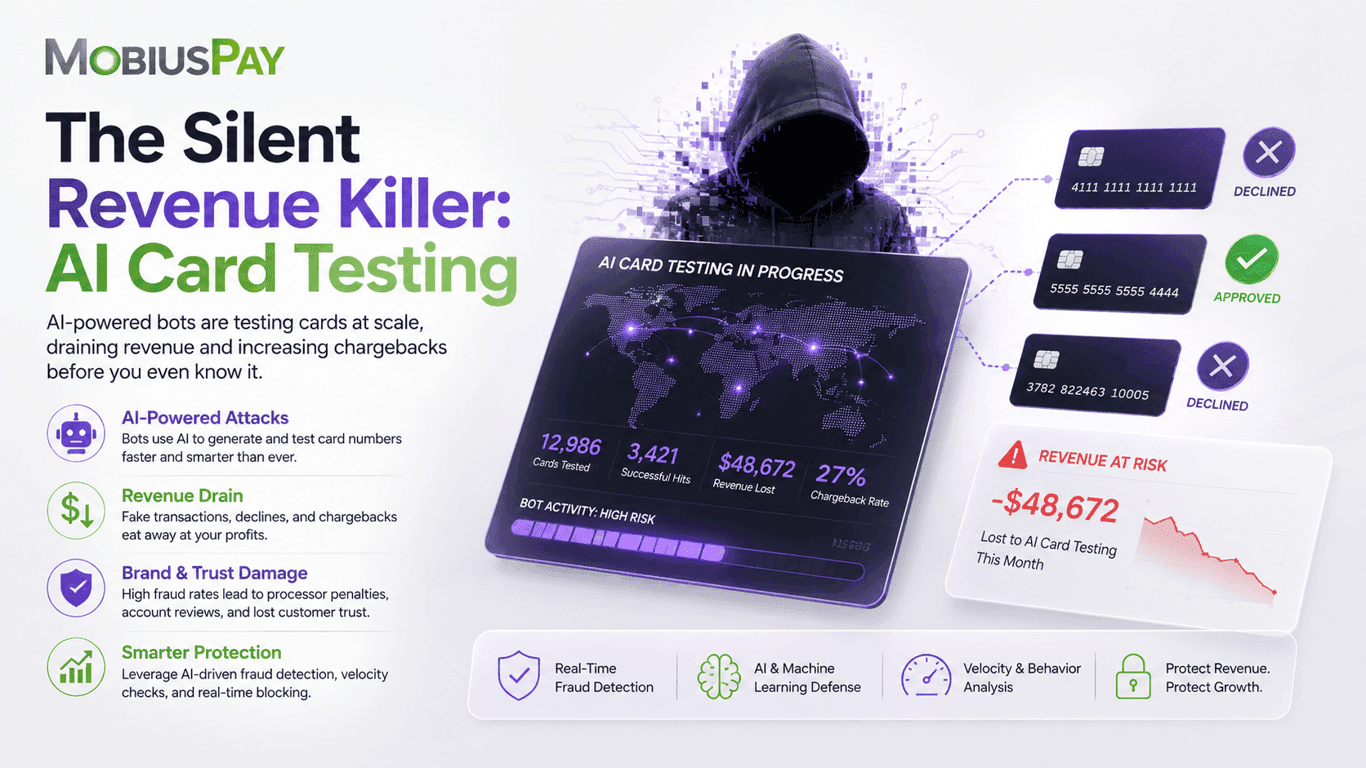
The Silent Revenue Killer: AI Card Testing
In the high-risk industry, AI card testing is simple in theory but devastating in volume.
Stop Fraud Without Losing Sales: High-Risk Checkout Tips That Work
Optimize your checkout for high-risk payments. Strike the right balance between fraud prevention and conversion to reduce chargebacks without losing real customers.
What Is Friendly Fraud, and How Do You Prevent It?
A real customer disputes a real purchase and keeps the goods. How friendly fraud happens, what it costs, and the three points where you can stop it.